For venues & the door
No hardware. No signal. No drama.
Scan on an ordinary tablet. Work offline. Redeem drinks and merch without till integration.
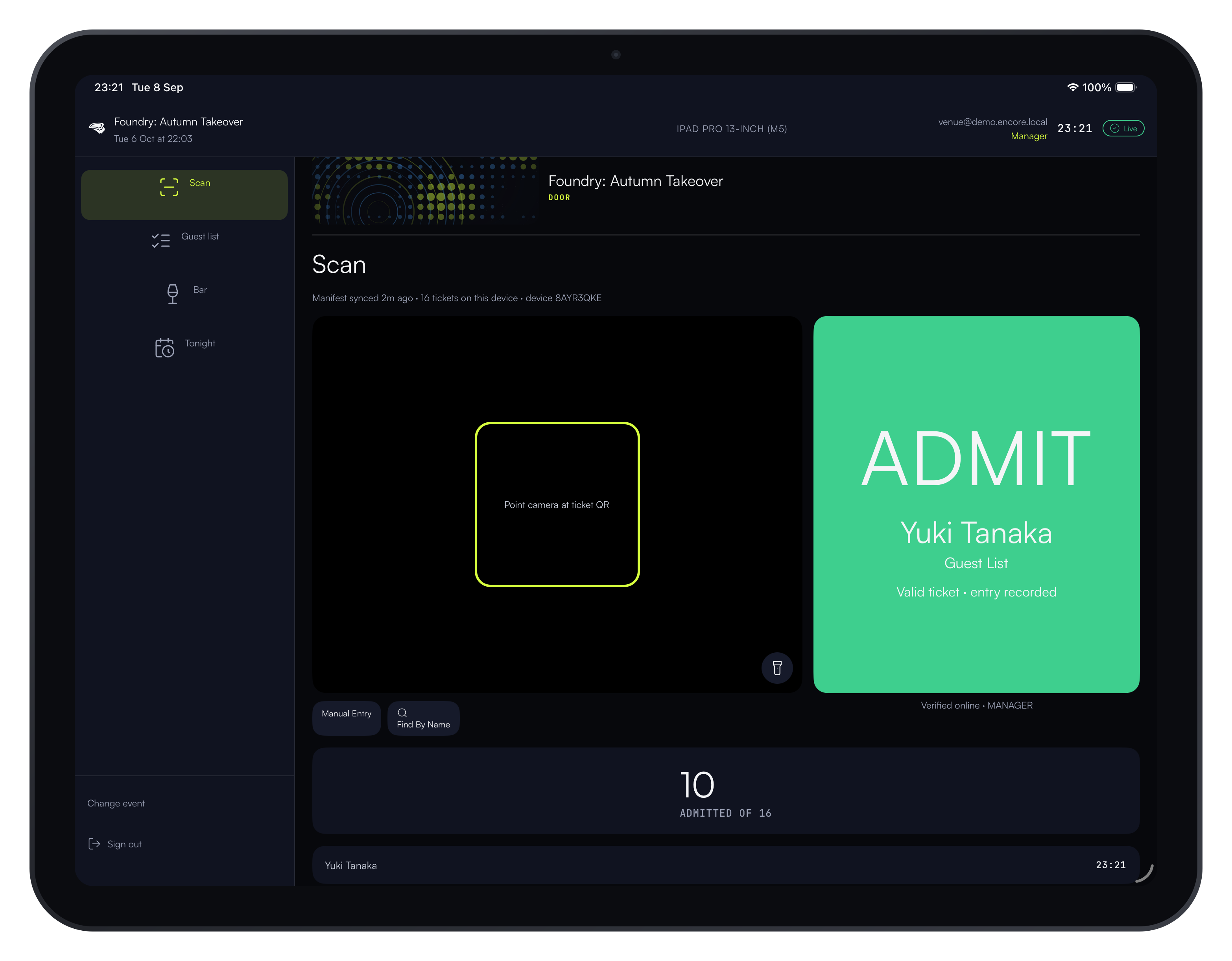
Door that just works
Valid. Guests. Tap to admit. Built for a bouncer at 1am, not a designer at a desk.
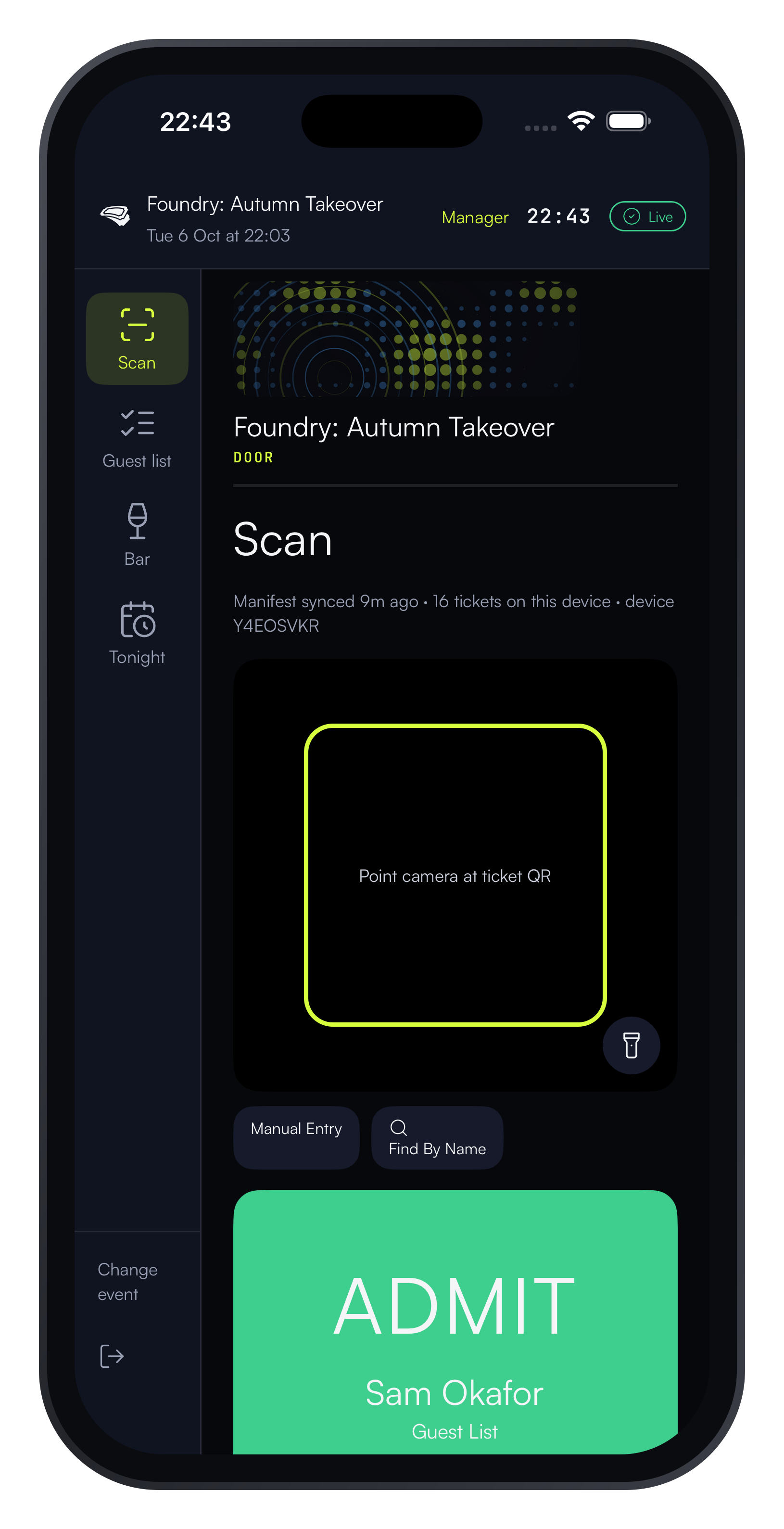
Point the phone or tablet's camera at the QR: a green result with the holder's name and any guests, or a red result naming why (invalid, already used, wrong event) — one screen, one job, no settings to get wrong mid-queue.
The door doesn't drop
Every ticket checks out on the device itself — no signal needed. Everything reconciles when the room lets you.
Each device holds tonight's tickets and checks a scan against them right there — the result appears whether the venue's WiFi is up or down, and a duplicate or invalid scan is caught the same way. Scans queue on the device and sync to the console the moment signal returns.
Bar on the same ticket
Entitlements redeem from the ticket QR. Single-use. Auditable.
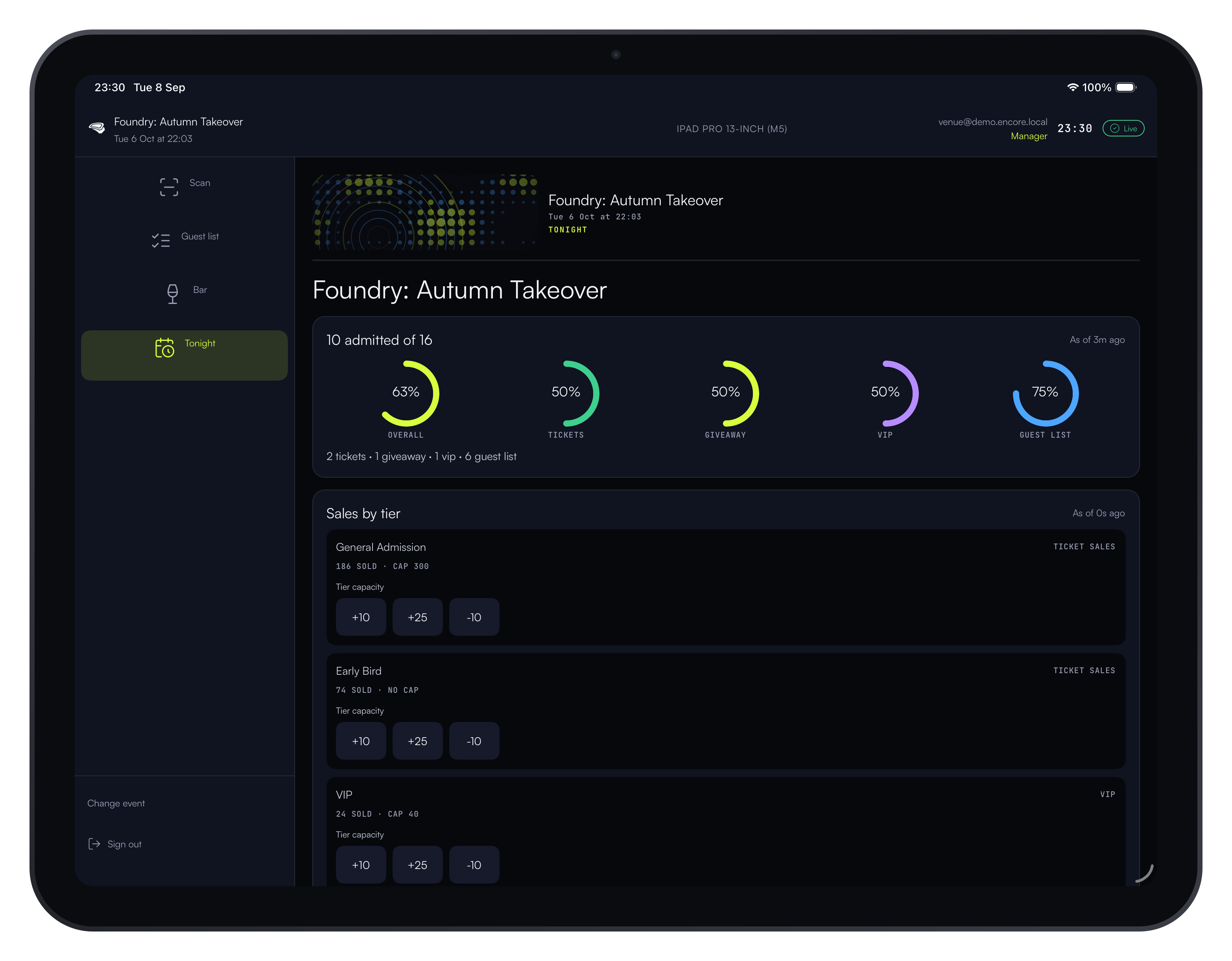
A drink or merch entitlement attached to a tier is marked redeemed the instant it's scanned — a second attempt on the same ticket reads "Already" in red, and the console shows a live issued-vs-redeemed count all night, not a next-day reconciliation.
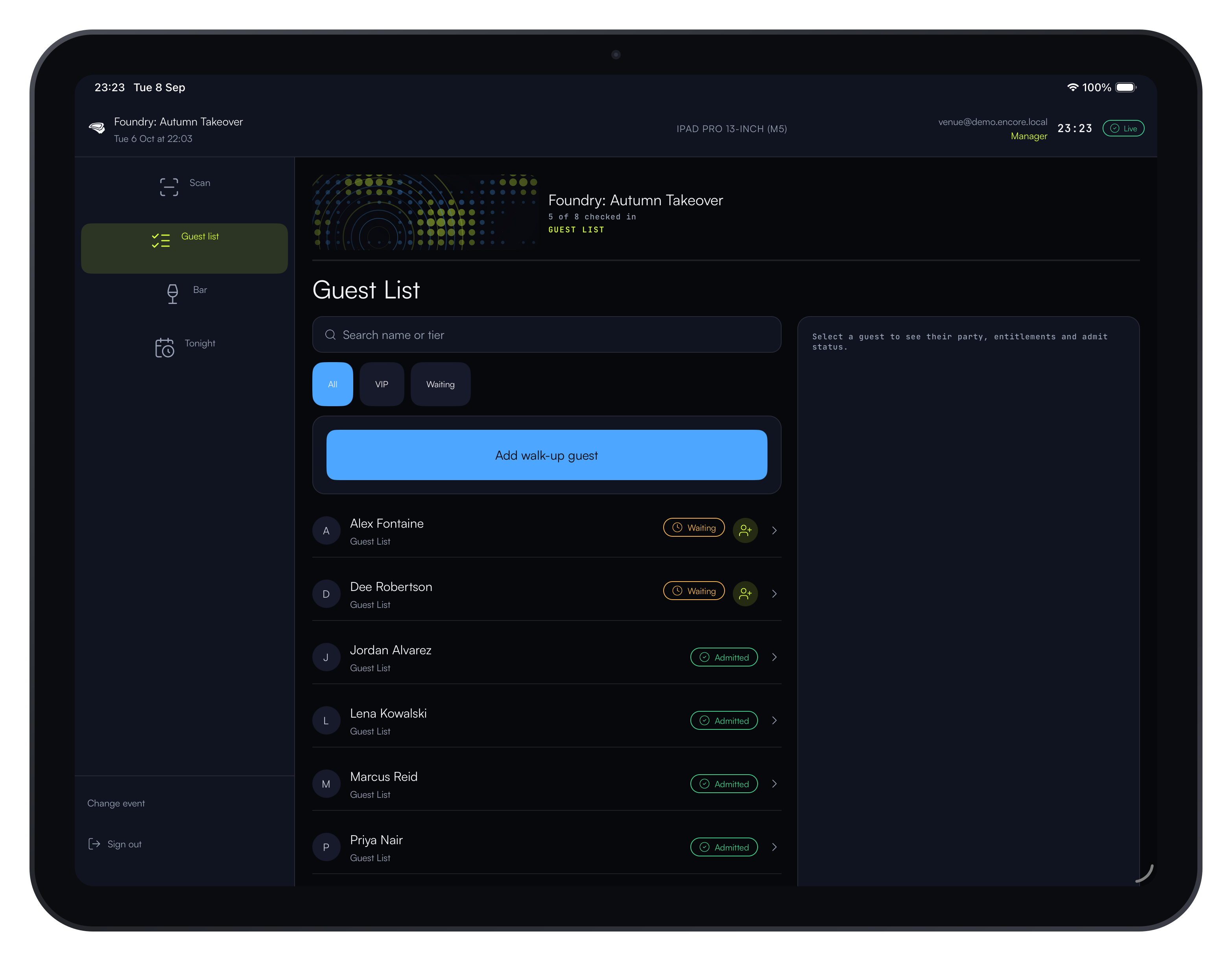
Screens for venues
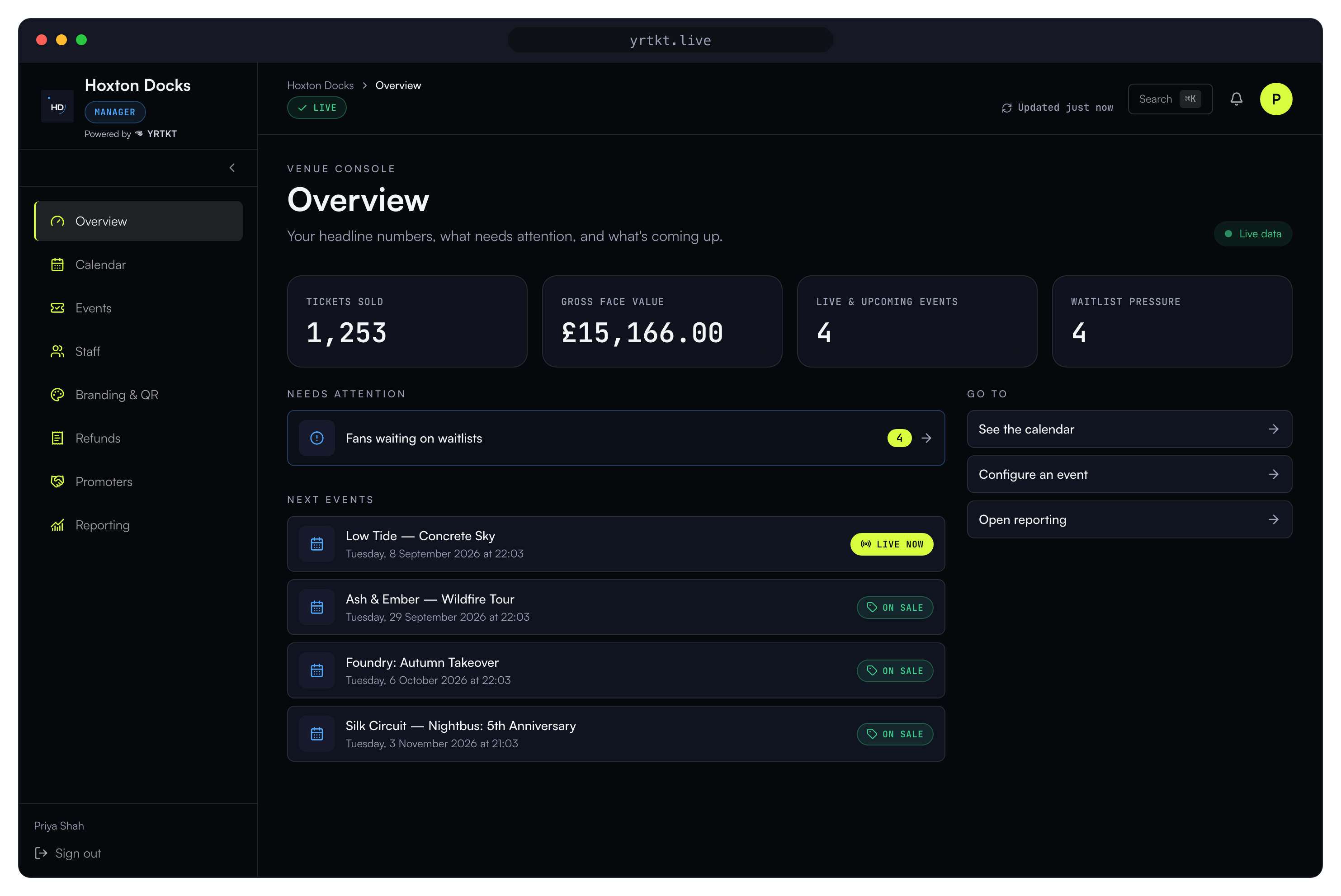
Captured from the running product.
Questions venues ask
Isn't ticket redemption just free-drinks fraud waiting to happen?
Every entitlement is single-use and tied to one ticket — it's marked redeemed the instant it's scanned, so a second attempt on the same QR reads as "Already" in red, not green, whoever's holding it. Issued-vs-redeemed numbers are live on the venue console throughout the night, not reconciled the next morning, with a full audit trail of who scanned what and when.
Will my door staff actually cope with new software on a Friday night?
The door app is point-and-scan: valid, guests, tap to admit. Staff see one job — no settings, no second screen, no login flow beyond the one they're handed at the start of the shift. It runs on an ordinary phone or tablet, the same device class most door staff already carry.
What happens if there's no signal at the door?
Every ticket checks out on the device itself — the scan doesn't wait on a network round trip. Whatever the room's signal is doing, the door keeps admitting, and everything reconciles with the console once connectivity is back.
What does YRTKT actually cost?
One buyer-paid fee on paid tickets (which an organiser can absorb into the price instead), and promoter commission that comes from the organiser's own revenue, never the platform's. Every rate, with a worked example, is on the pricing page — nothing sits behind a sales call.
What do we need to have in place before a pilot starts?
An ordinary phone or tablet for the door — no dedicated scanner hardware, no POS integration, no signed contract with a hardware vendor. Bring your event details and your usual door process; the console and app handle the rest.